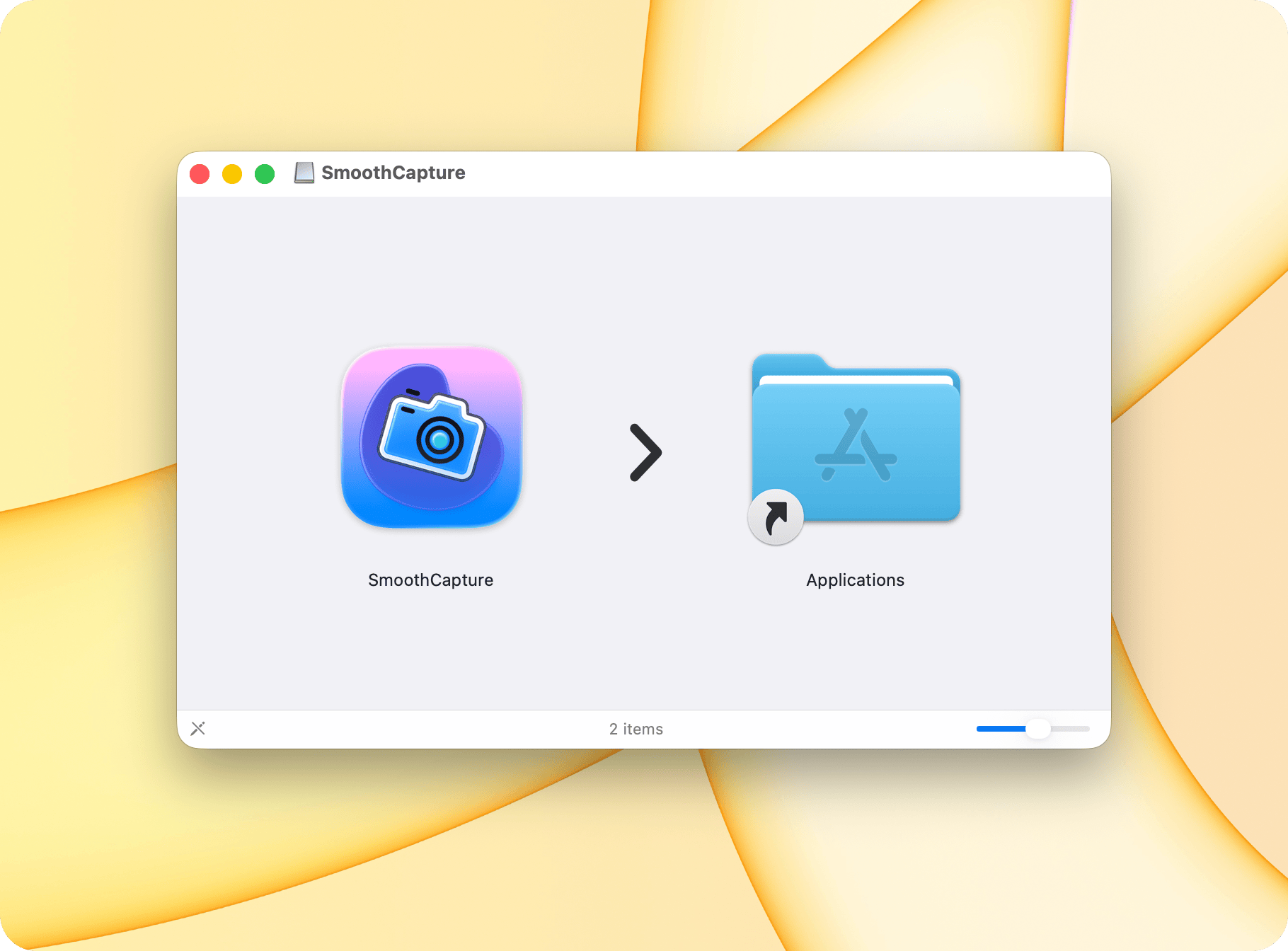
- Download the app from:
https://download.smoothcapture.app/SmoothCapture-latest.dmg - Once you click the download link, the download will start automatically.
- Open the downloaded
.dmgfile. - When prompted: Drag the Smooth Capture icon into the Applications folder.
- Smooth Capture will be installed and available in the Applications folder on your Mac.