
Camera (Webcam Overlay)
The webcam overlay lets you add your camera feed on top of your screen recording, making your videos more personal and engaging.
Enable Webcam
Section titled “Enable Webcam”-
Enable Webcam
Toggle this on to display your camera during recording.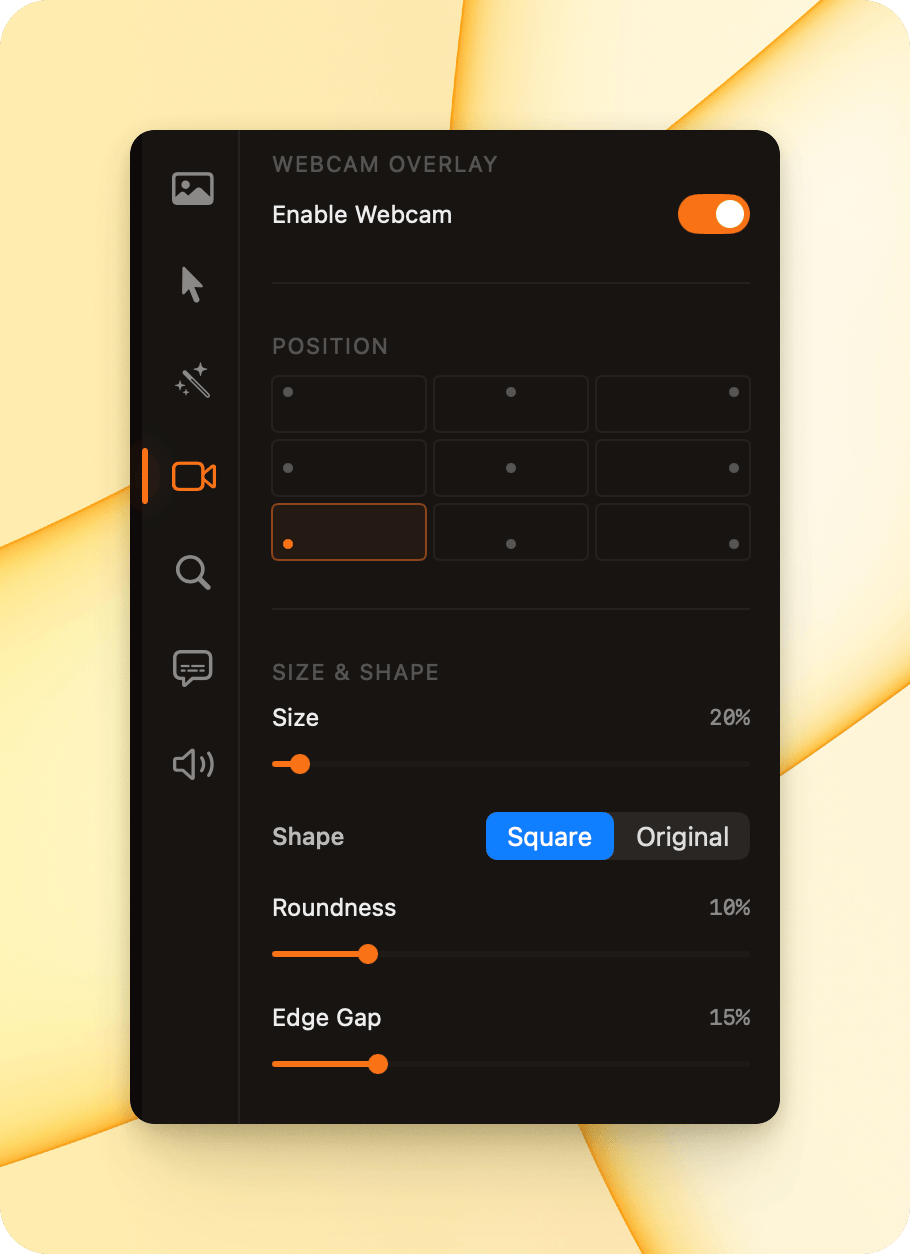
Position
Section titled “Position”Choose where the webcam overlay appears on your video.
Select one of the preset positions to place the camera feed in the corner or edge that works best for your layout.
Size & Shape
Section titled “Size & Shape”- Size
Adjust how large the webcam overlay appears in your video. - Shape
- Square: Cropped square layout for a clean, modern look.
- Original: Keeps the camera’s original aspect ratio.
- Roundness
Controls how rounded the corners of the webcam overlay appear. - Edge Gap
Adjusts the spacing between the webcam overlay and the edge of the video frame
Effects
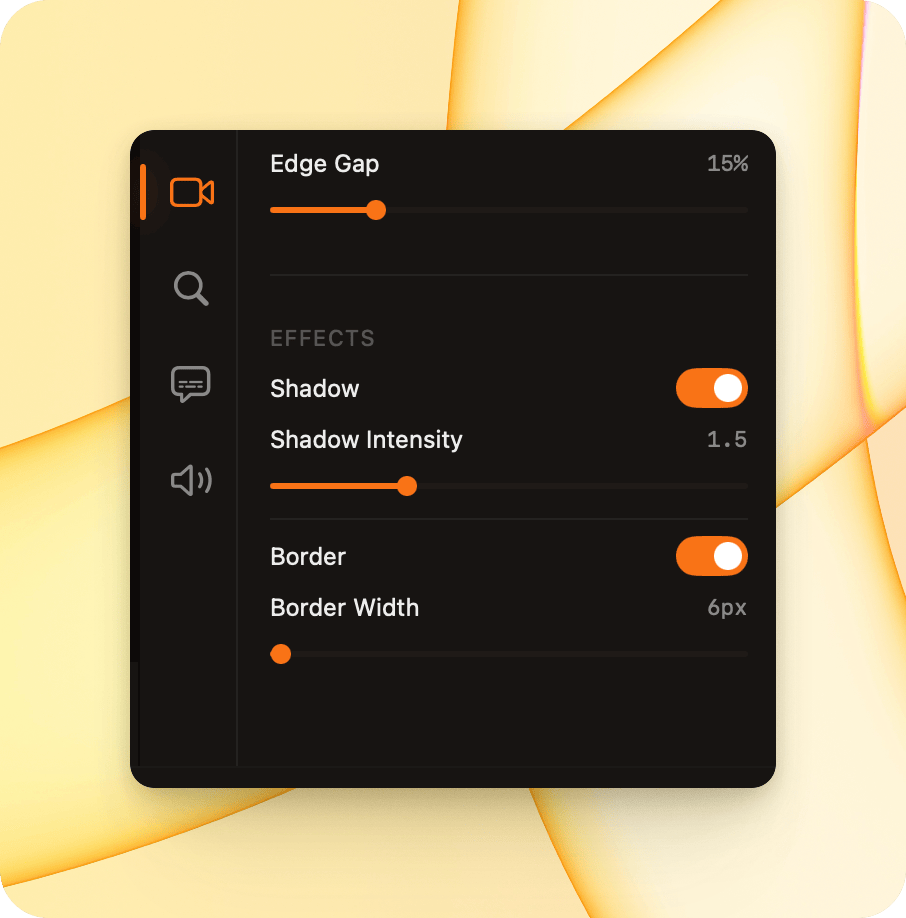
Section titled “Effects”- Shadow
Adds a soft shadow behind the webcam overlay to create depth. - Shadow Intensity
Controls how strong the shadow appears. - Border
Adds a border around the webcam overlay. - Border Width
Adjusts the thickness of the border.