
Mouse
Cursor Settings
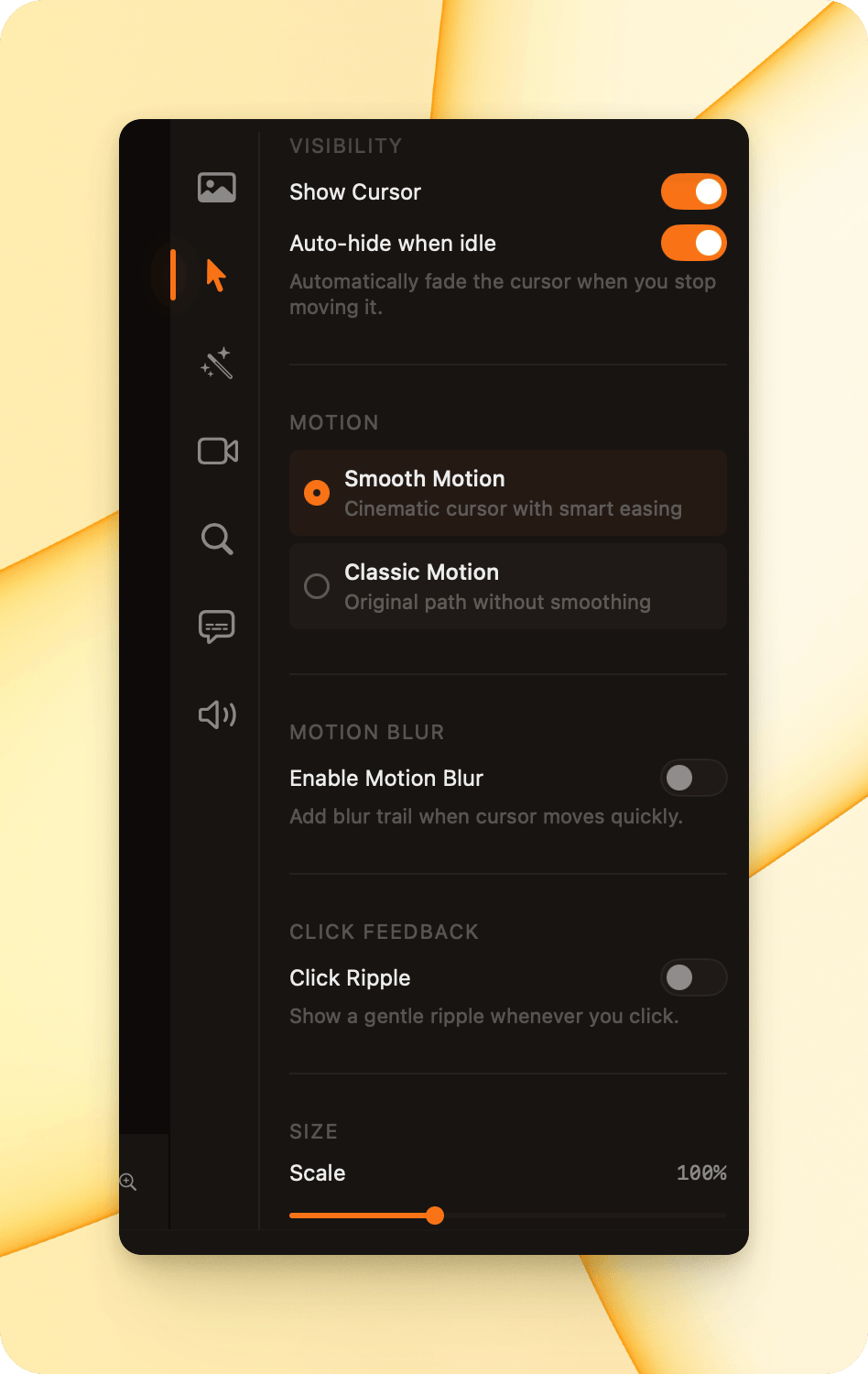
Section titled “Cursor Settings”Smooth Capture gives you full control over how the cursor appears and behaves in your recordings, helping viewers follow your actions more easily.
Visibility
Section titled “Visibility”- Show Cursor
Toggle this on to display the cursor in your recording. - Auto-hide When Idle
Automatically fades out the cursor when it stops moving, keeping the screen clean and distraction-free.
Motion
Section titled “Motion”- Smooth Motion (Recommended)
Applies cinematic smoothing with smart easing for more natural cursor movement. - Classic Motion
Keeps the original cursor path without smoothing.
Motion Blur
Section titled “Motion Blur”**Enable Motion Blur: **Adds a subtle blur trail when the cursor moves quickly, enhancing motion clarity.
Click Feedback
Section titled “Click Feedback”**Click Ripple: **Displays a gentle ripple effect whenever you click, making interactions easier to follow.
**Scale: **Customize the size of your mouse