
Save Frame (Transparent)
How to Use
Section titled “How to Use”- Open your project
- Move the playhead to the frame you want
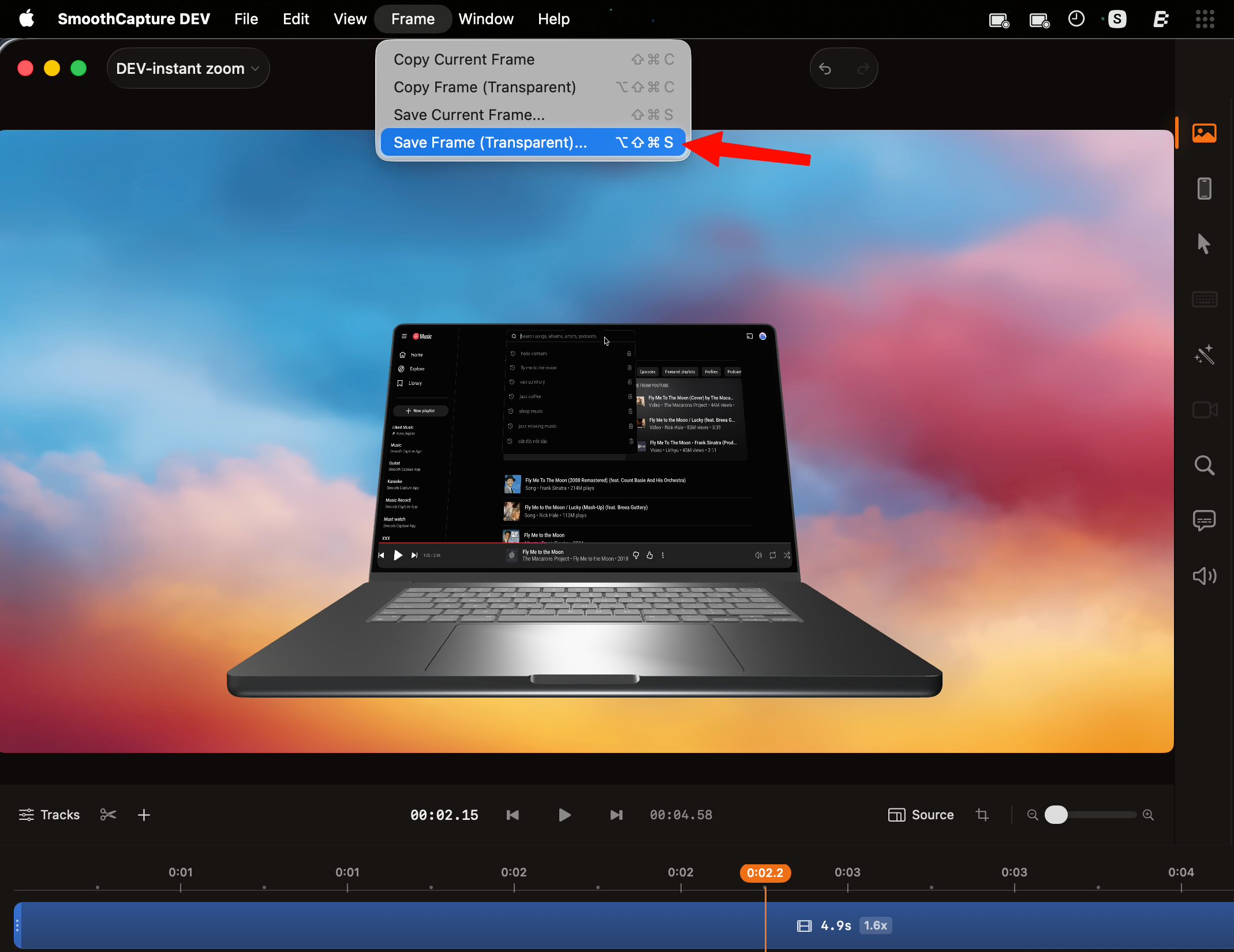
- Menu bar → Frame → Save Frame (Transparent)
- Choose a location and save
What You Get
Section titled “What You Get”- Image with transparent background (alpha channel)
- Exported as a file (e.g. PNG)
- Full resolution of your video
Use Cases
Section titled “Use Cases”- Create marketing assets
- Place UI into device mockups
- Export clean visuals for design work
- Keep reusable assets outside the editor
For best results:
- Keep the subject well-isolated
- Use zoom or lightbox before exporting
- Avoid cluttered frames → transparency will expose it