Setting up & Permissions
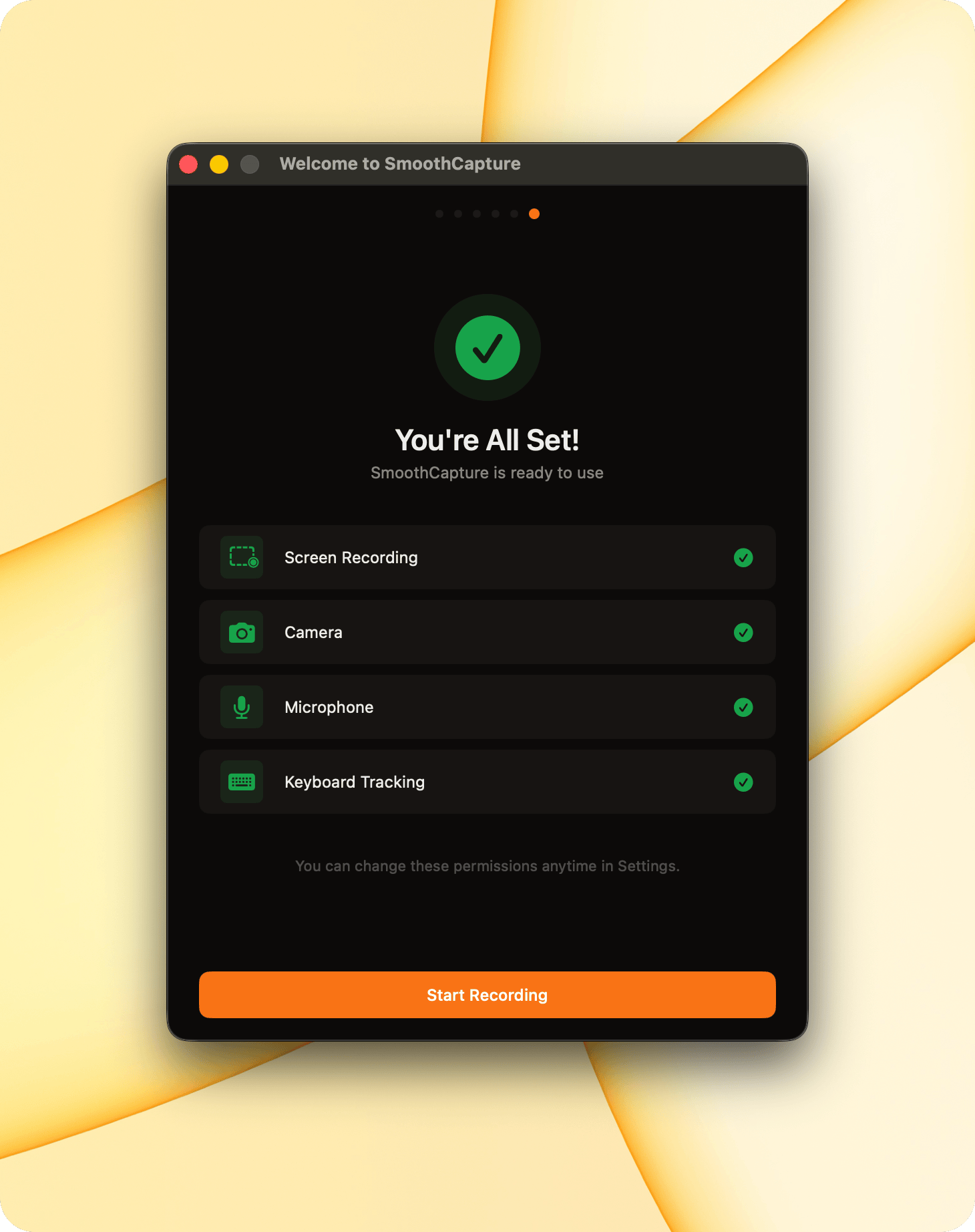
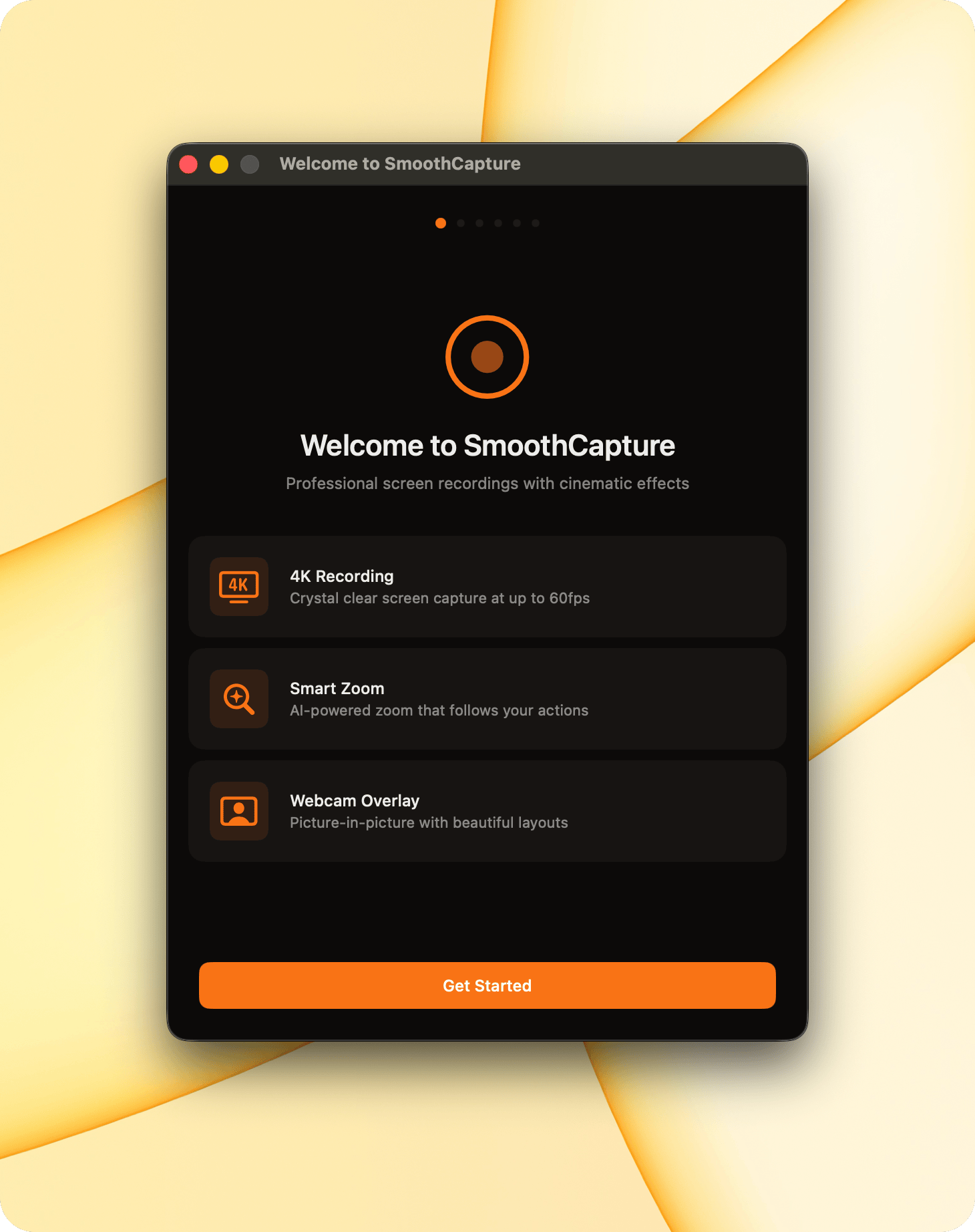
To help you record smoothly, the app needs a few permissions the first time you open it.
- Camera
- Microphone
- Screen recording
- Keyboard tracking
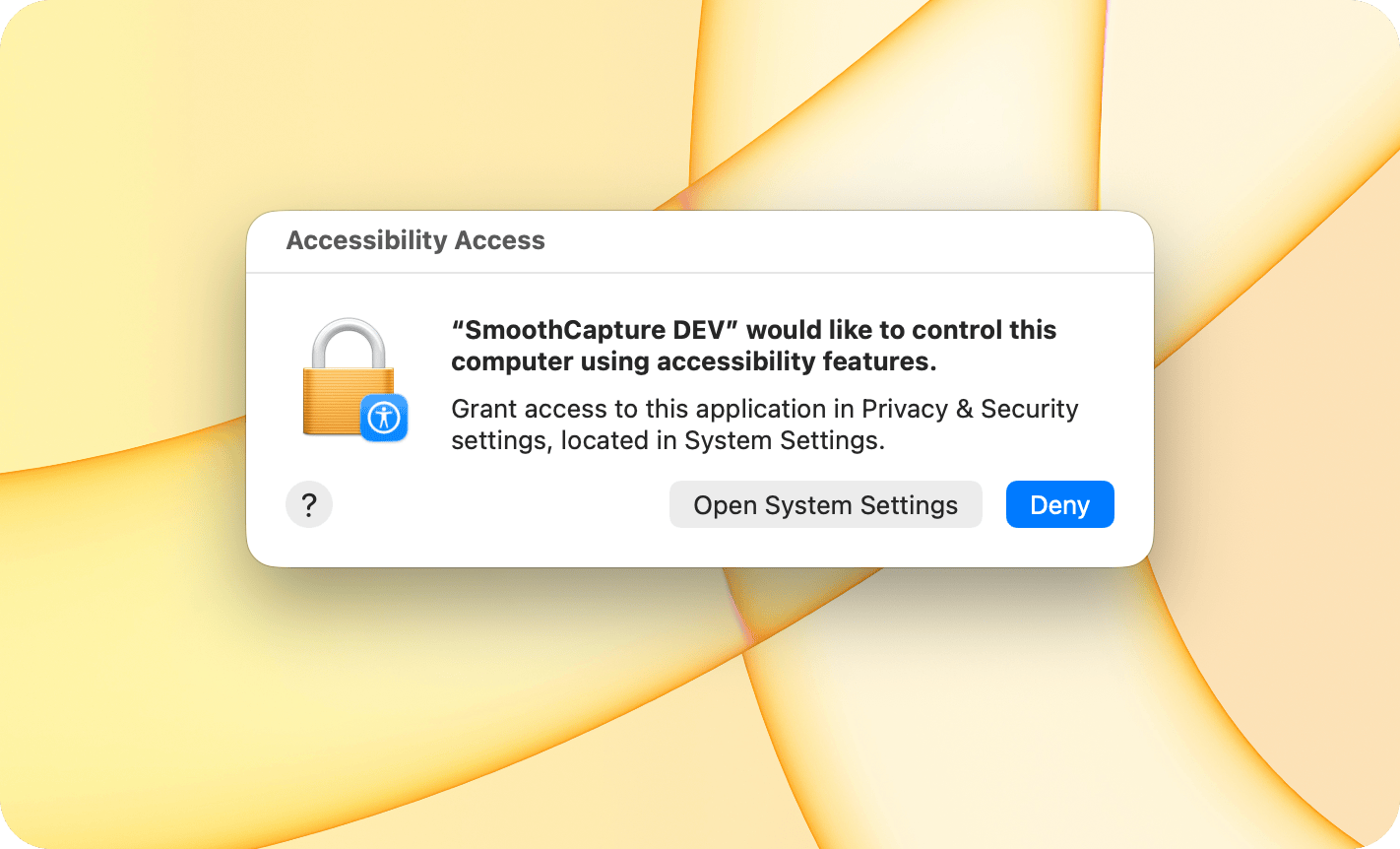
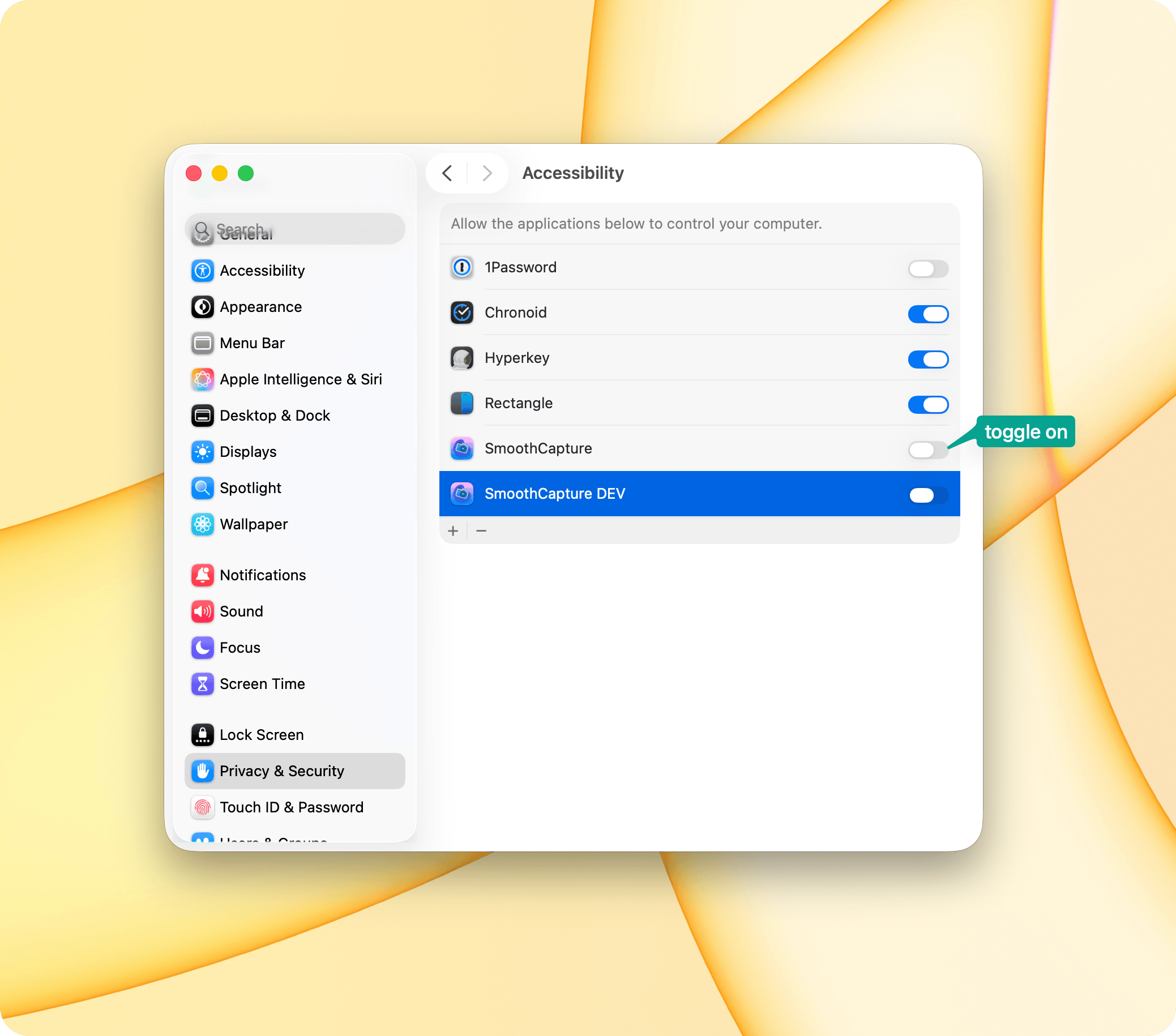
When you click Allow, macOS System Settings will open.
Enable the permission by toggling the switch next to Smooth Capture.
Once all permissions are enabled, you’re all set, you can start recording right away